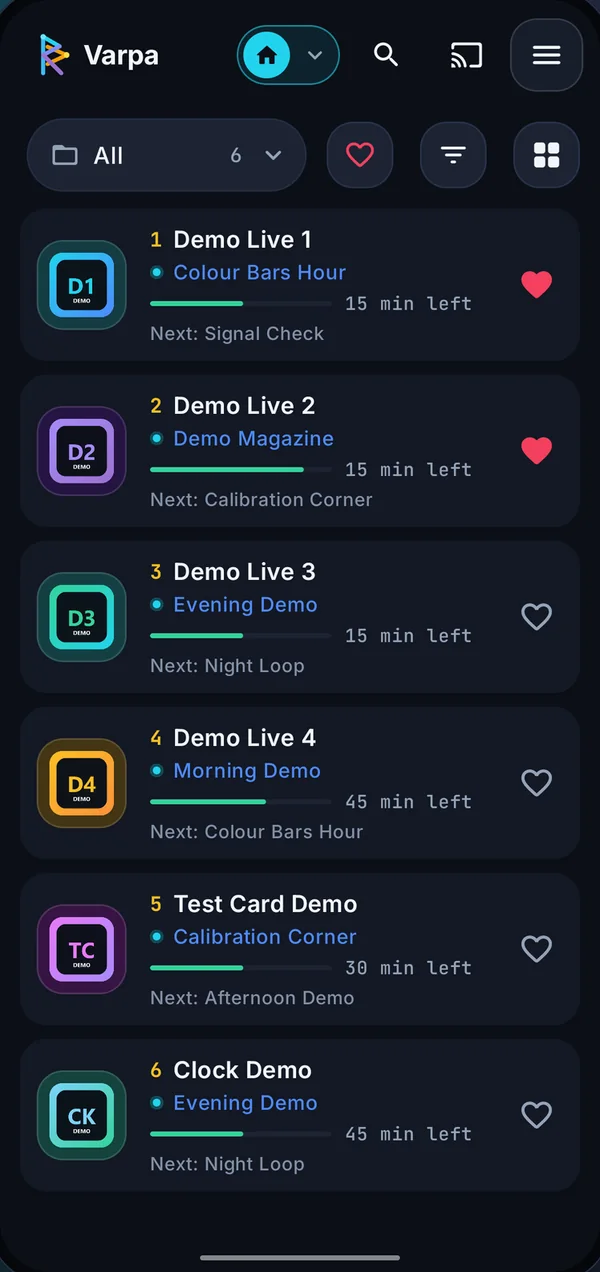
Know what's on before you tap.
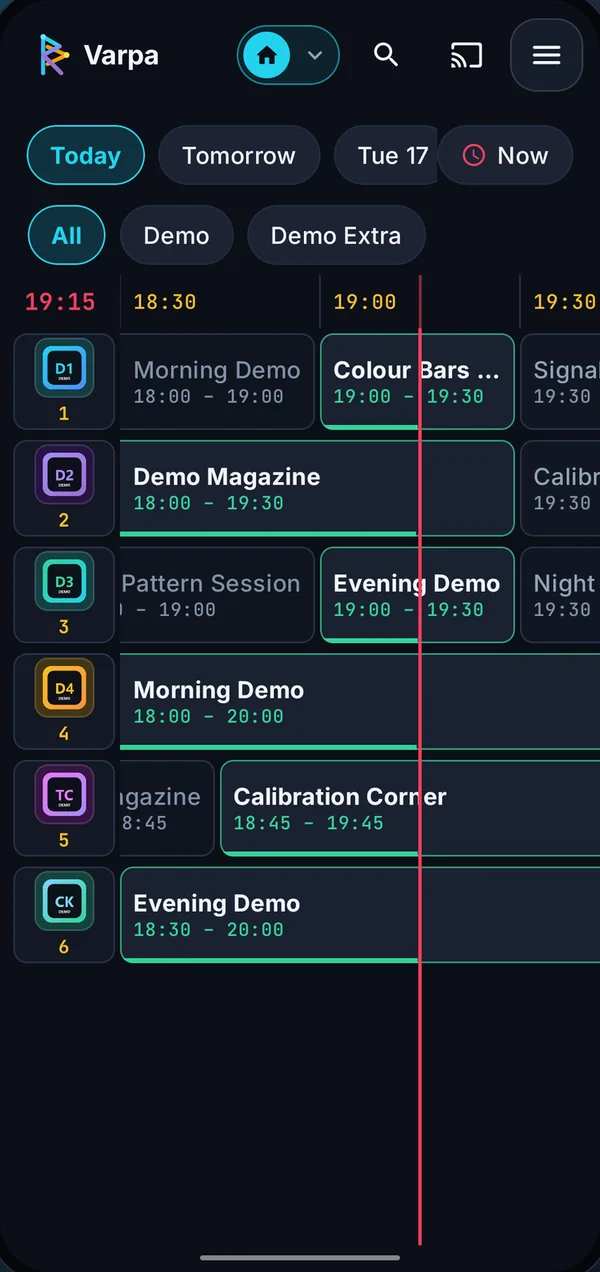
Every channel shows the programme on air, how long is left and what comes next, read from your playlist's XMLTV guide.
- Grid guide by day and category
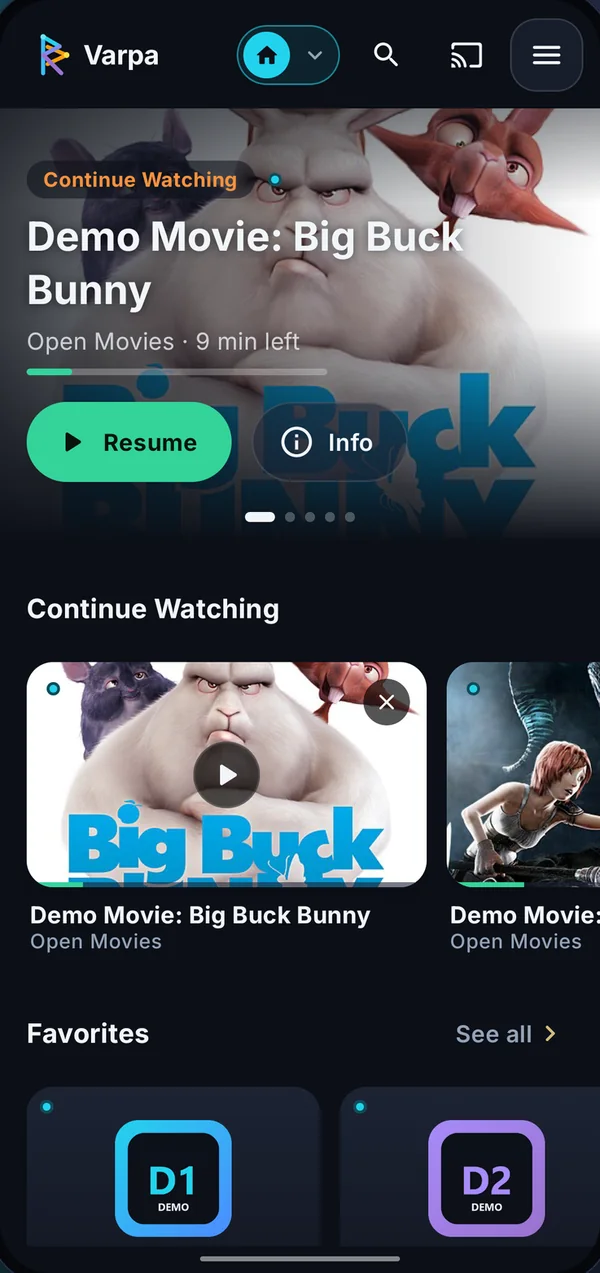
- Favorites for channels, movies and categories

$ varpa --play
Varpa is a fast, good-looking IPTV player for the M3U playlists you already have, with a real TV guide, gestures that make sense and Chromecast when you want the big screen.

01 / tour
Varpa contains no channels: you bring the playlist, it takes care of the rest.

Every channel shows the programme on air, how long is left and what comes next, read from your playlist's XMLTV guide.

Swipe left for brightness, right for volume, sideways to change channel. Double-tap to skip ten seconds.

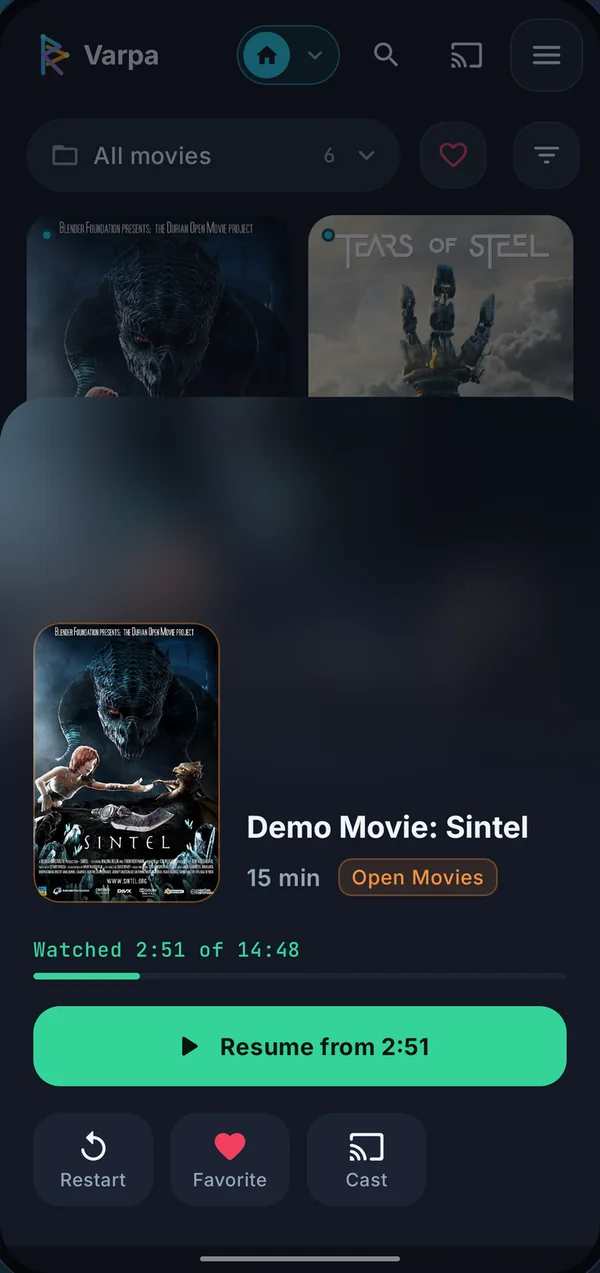
Movies and series get a proper catalogue with posters, plots, seasons and episodes, plus frame previews while you scrub.

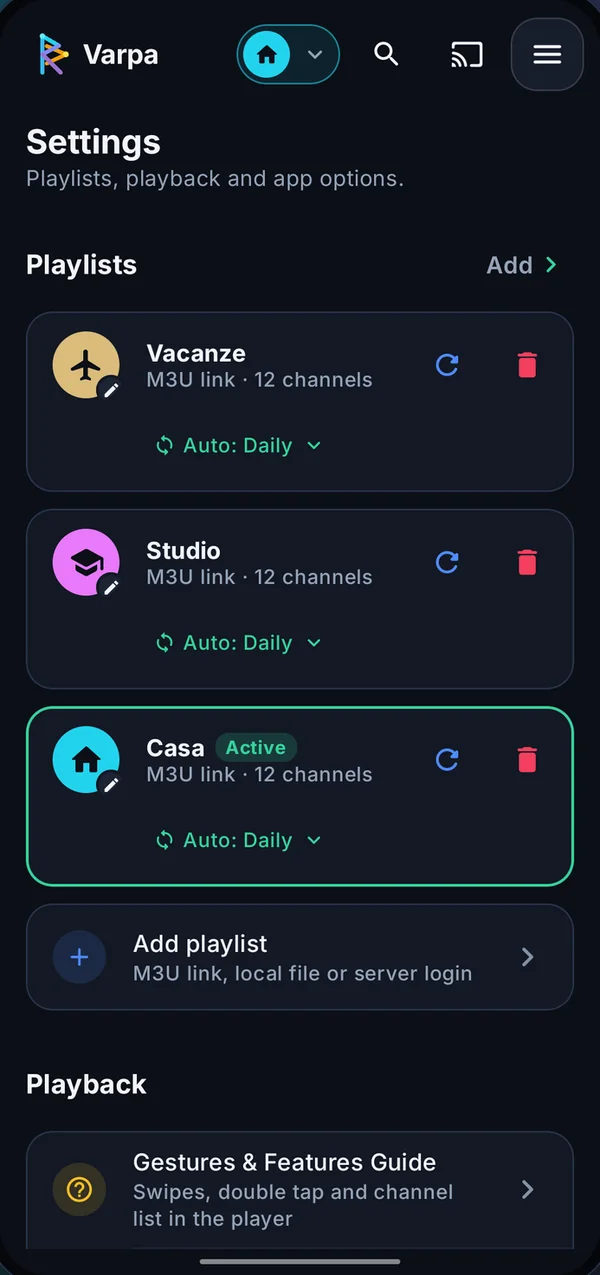
Add as many playlists as you like, each with its own name, colour and logo. Nothing leaves your device: no account, no analytics in the app, passwords encrypted.
Speaks your language
02 / and also
03 / demo
A small demo with public test streams and Blender Foundation open movies (CC BY). Nothing else.
https://varpatv.com/demo.m3u04 / faq
No. Varpa is only a player: it contains no channels, playlists or subscriptions and plays only the sources you add. Use only sources you have the right to watch.
Yes. No ads, no in-app purchases and no account to create.
M3U and M3U8 playlists (links or files), server sign-in with address, username and password, HLS and DASH streams and common video files such as MP4 and MKV. The TV guide is read in XMLTV format.
Playlists, favorites and history stay on your device and playlist passwords are encrypted. Details in the app privacy policy.
Check that the source works and your subscription is active: Varpa can only play what the server sends. If it's the app, use Report a problem in settings or write to us.
$ contact
Bugs, ideas or questions: a real person reads every message.
[email protected]